
 Facebook
  Twitter
  LinkedIn
 How to Book On and Book Off Using the Arez App
This guide explains how to book on at the start of your shift and book off at the end of your shift using the Arez Worker App.
Step 1: Open the Arez App
Open the Arez App on your mobile device.
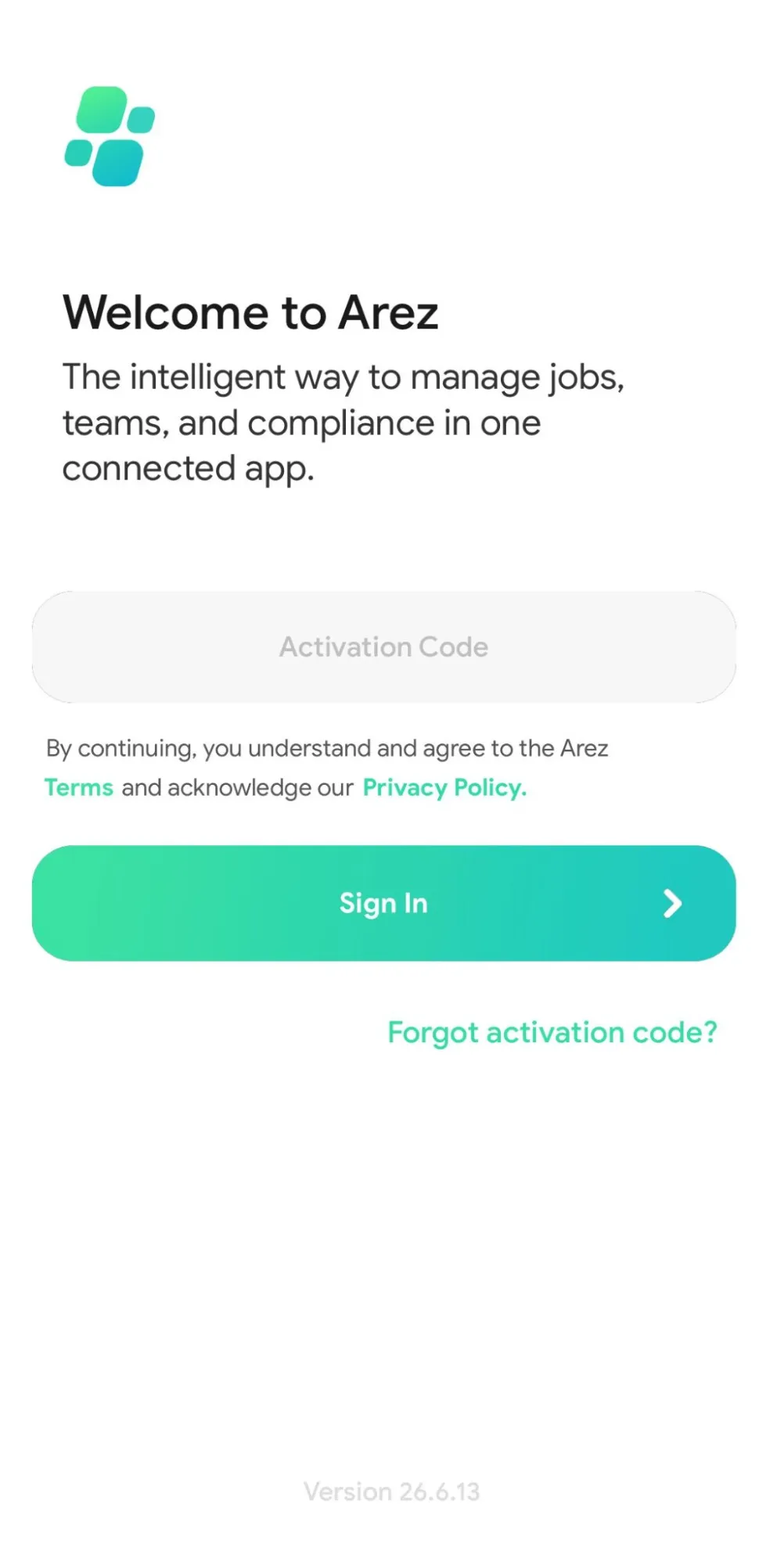
If this is your first time using the app, enter the Activation Code provided by your employer and tap Sign In.
Step 2: View Your Assigned Jobs
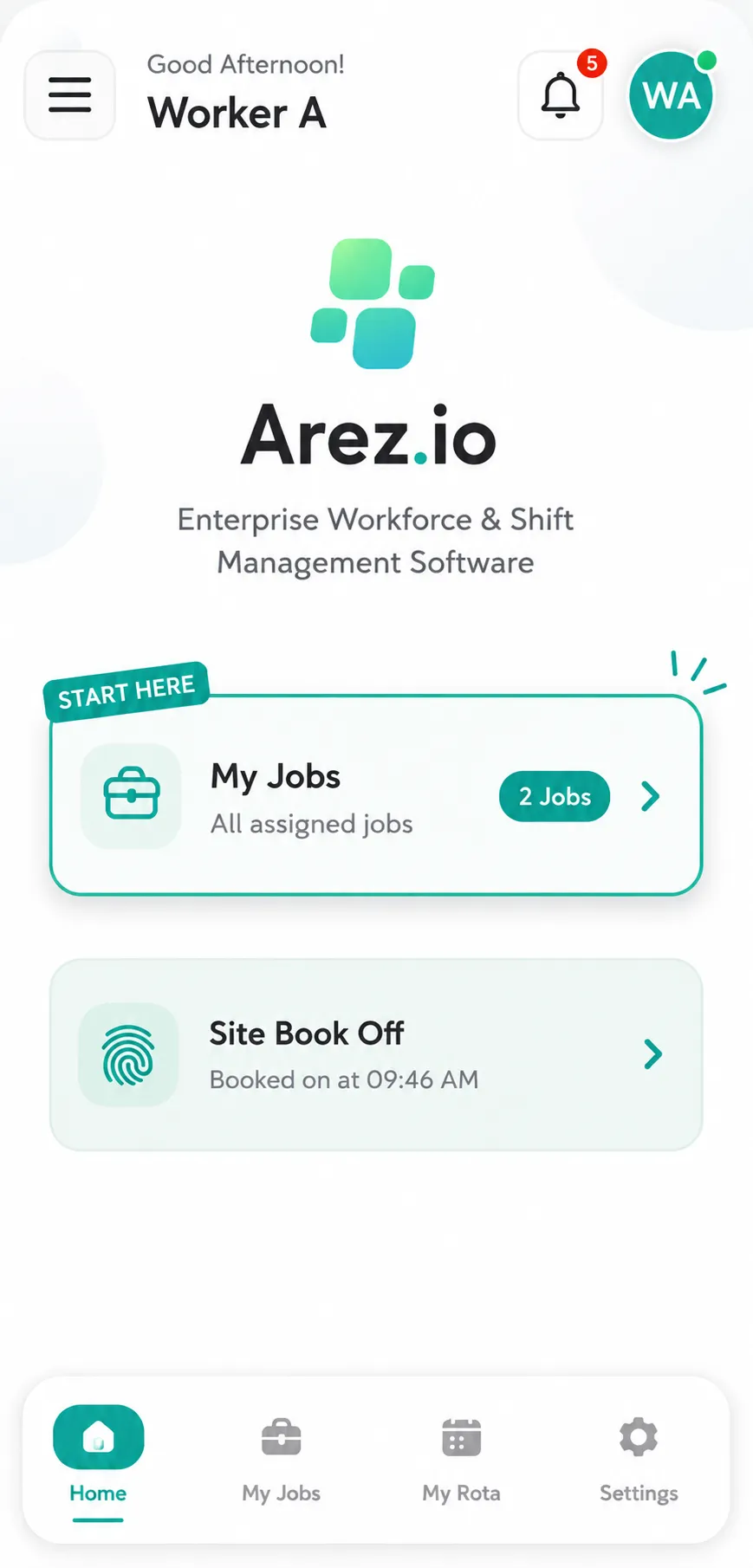
After signing in, navigate to the My Jobs section from the bottom menu.
Here you will see all your upcoming and assigned shifts.
Step 3: Select the Job
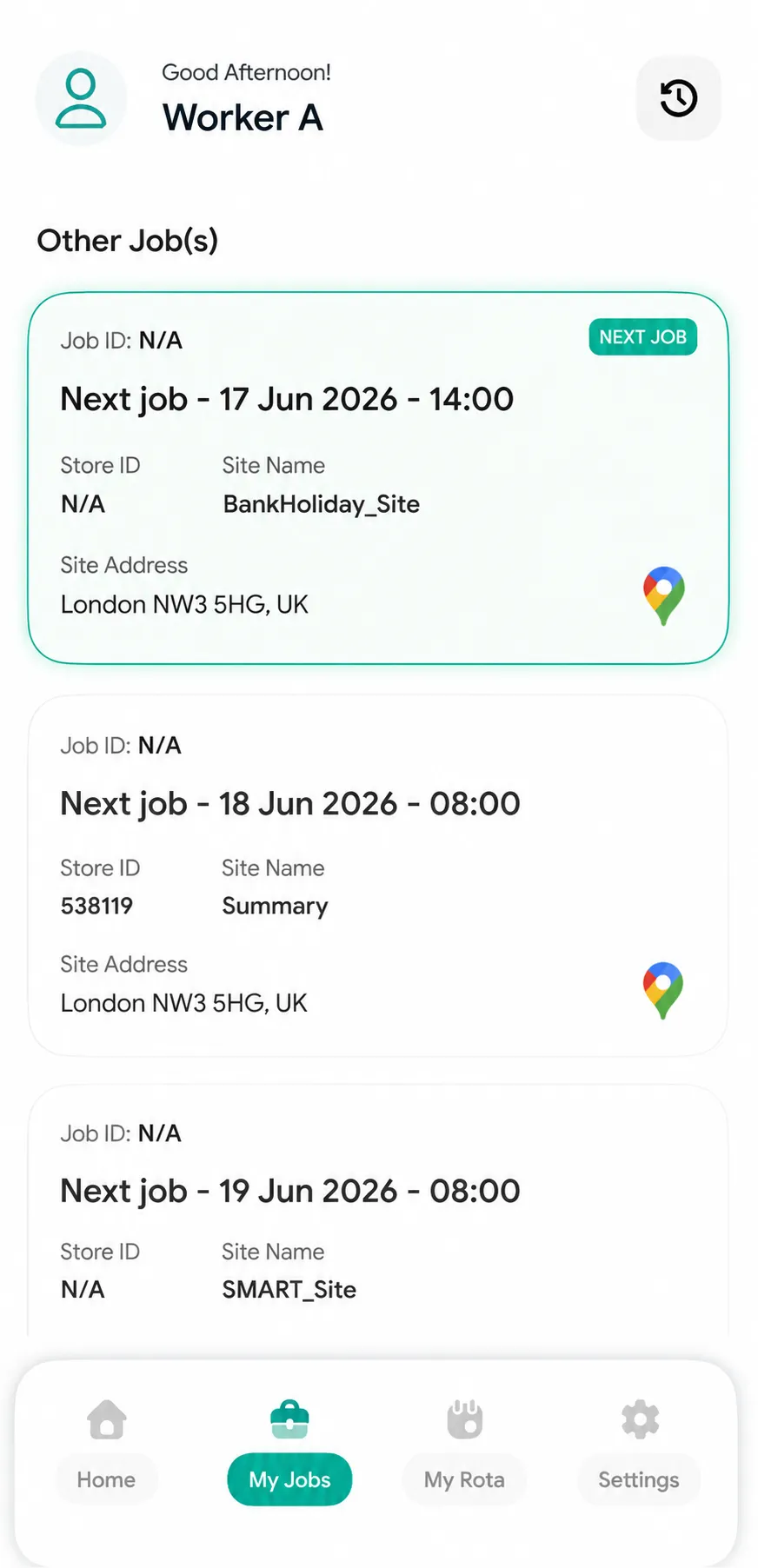
Tap on the job you want to work.
This will open the Job Details page where you can view the site address, shift information, and booking options.
Step 4: Book On
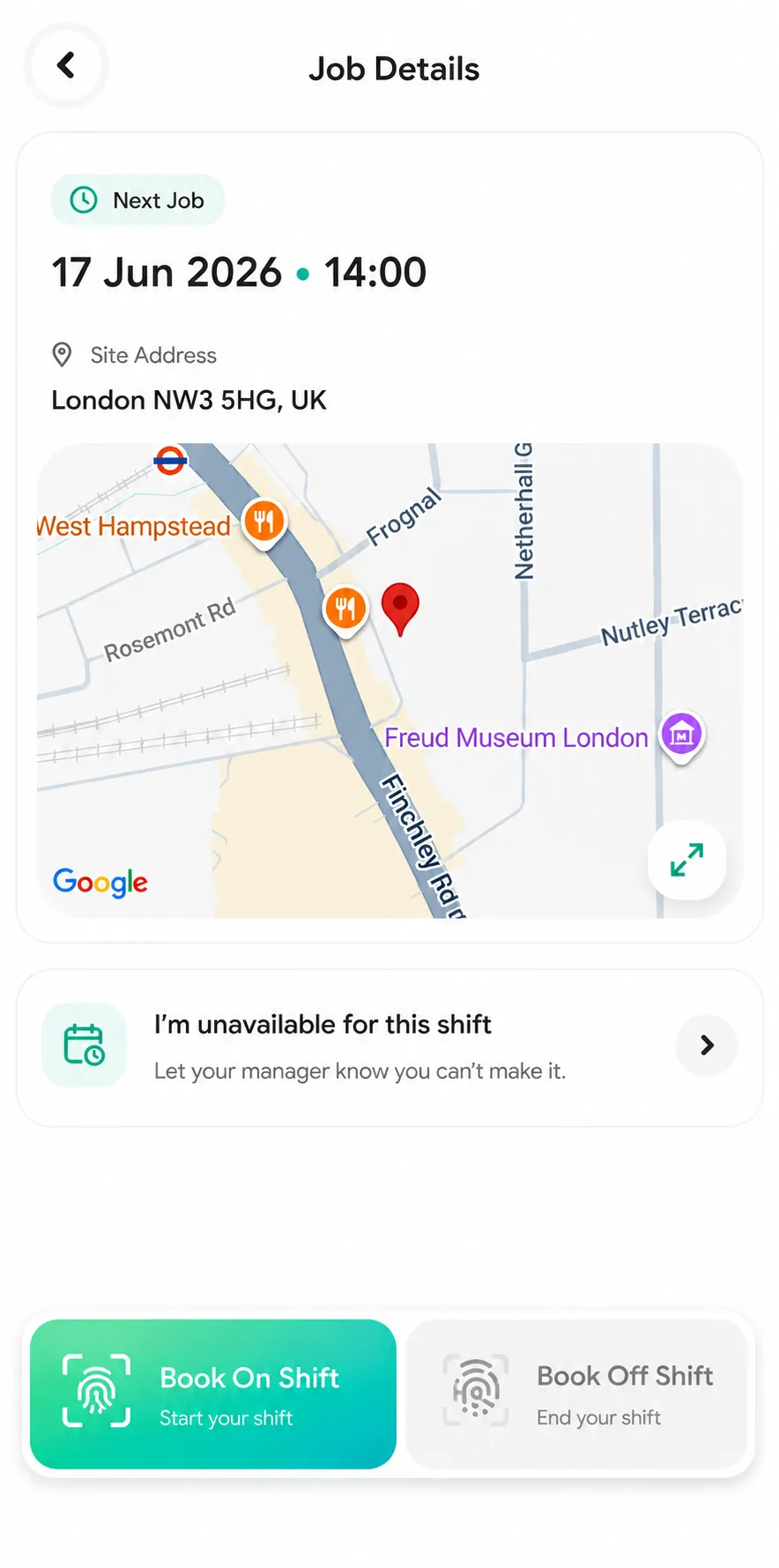
Once you have arrived at the site, tap the Book On Shift button.
Important: You must be at the correct site location before booking on.
Step 5: Take a Selfie
The app will open the camera screen.
Position your face in the centre of the frame and ensure your photo is clear and well-lit.
Tap the camera button to capture your selfie.
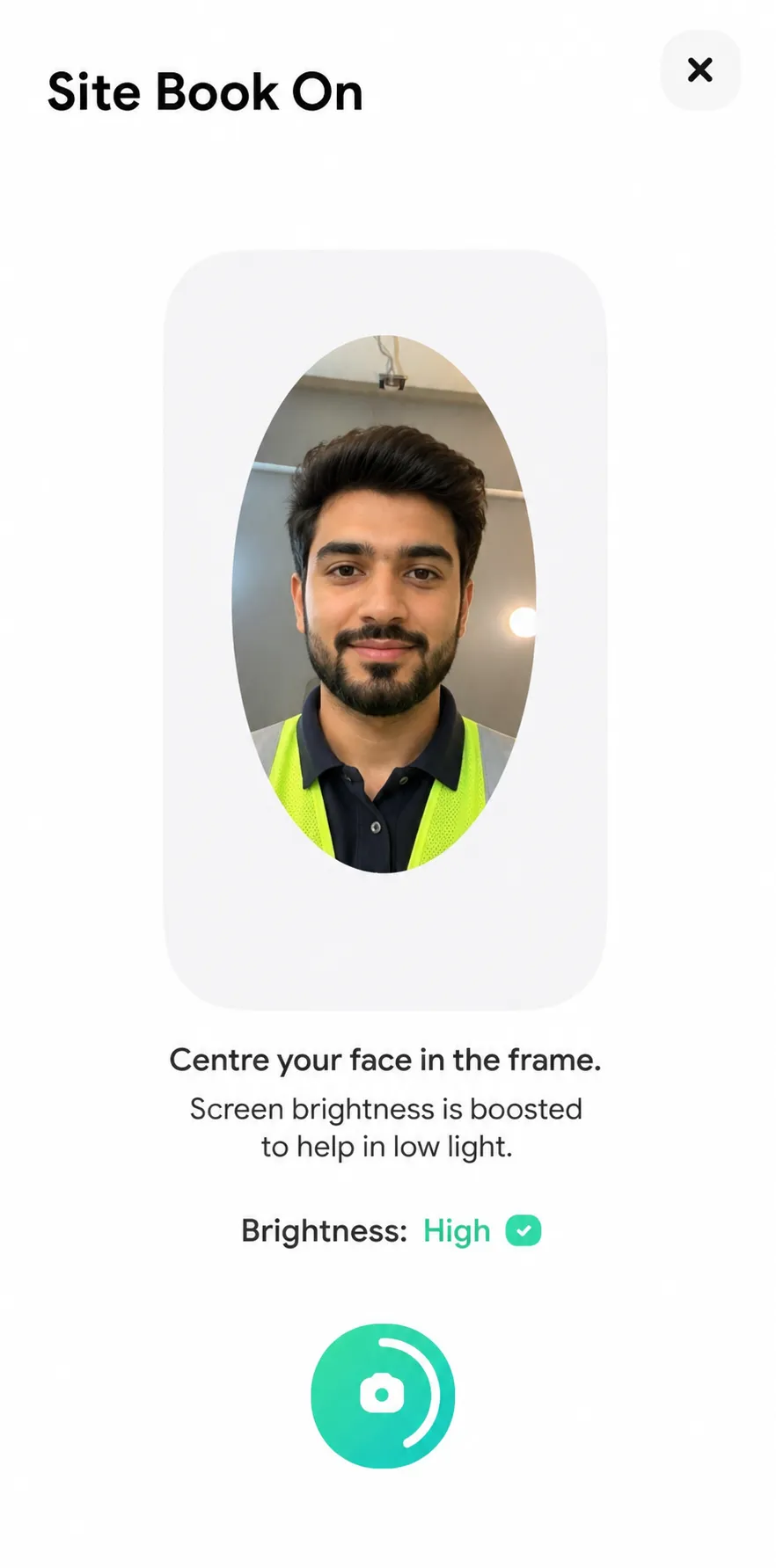
Tip: Make sure your entire face is visible and not covered by hats, masks, or poor lighting.
Step 6: Confirm Your Book On
After capturing your selfie, the app will display your job location and check-in time.
Review the details to ensure they are correct, then swipe the confirmation slider to complete your book on.
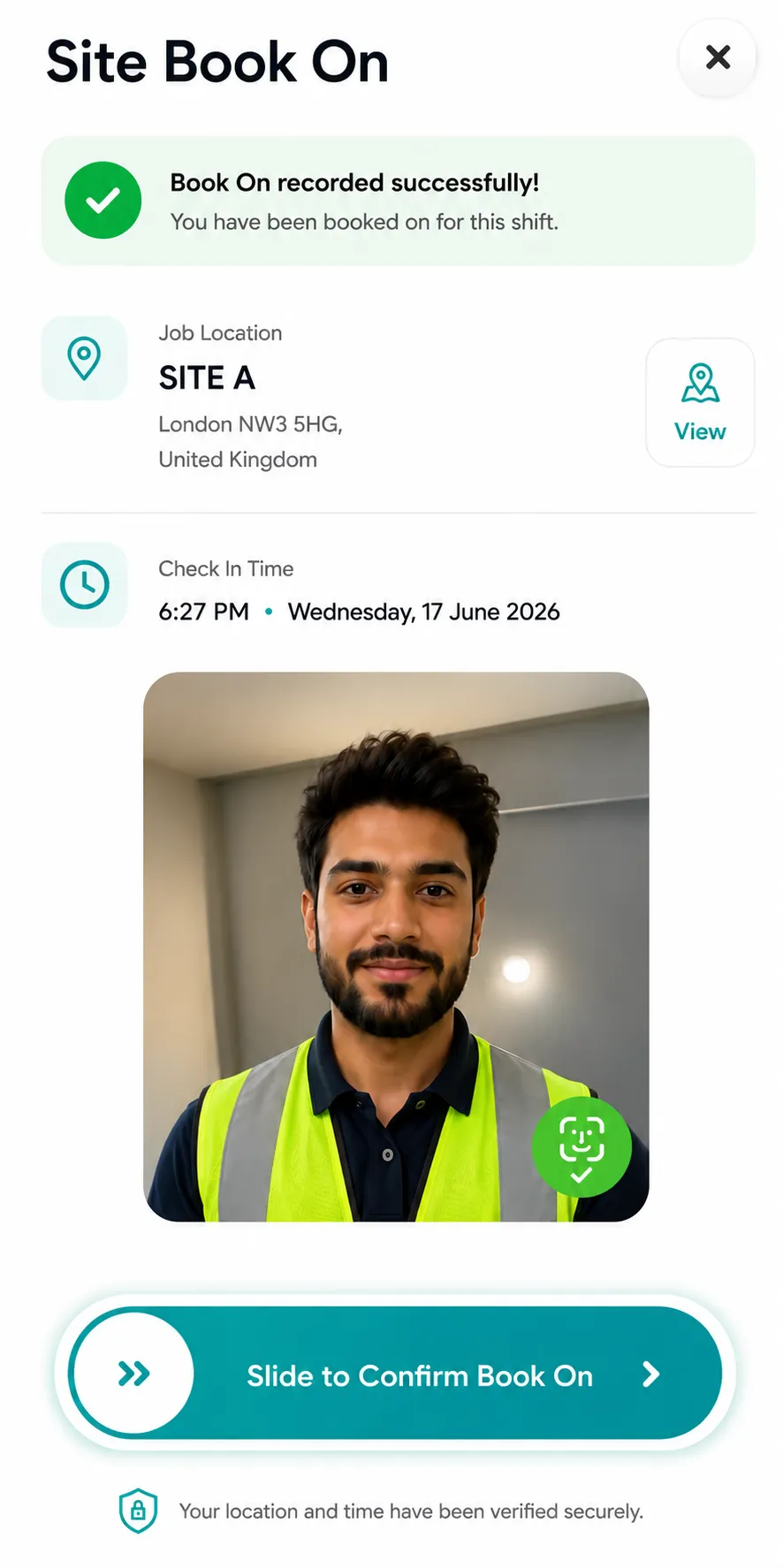
Once you have swiped the button, your book on will be recorded successfully and your attendance will be logged against the shift.
You can now continue with your shift and complete any required site activities, forms, patrols, or progress updates.
Step 7: Book Off
When your shift has finished, open the active shift screen and tap Site Book Off.
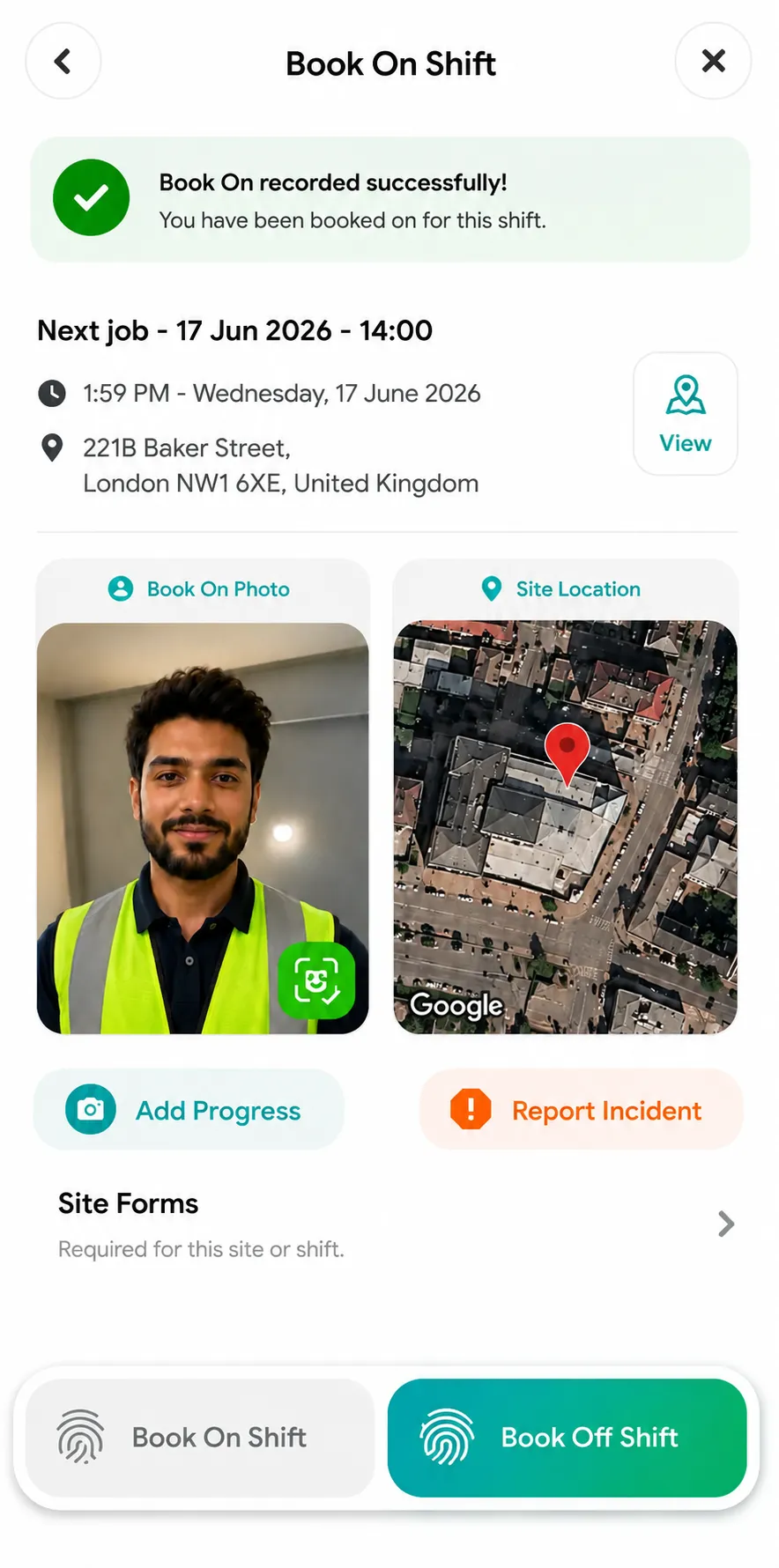
Step 8: Take a Selfie to Book Off
Capture another clear selfie when prompted.
Ensure your face is clearly visible and centred within the frame.
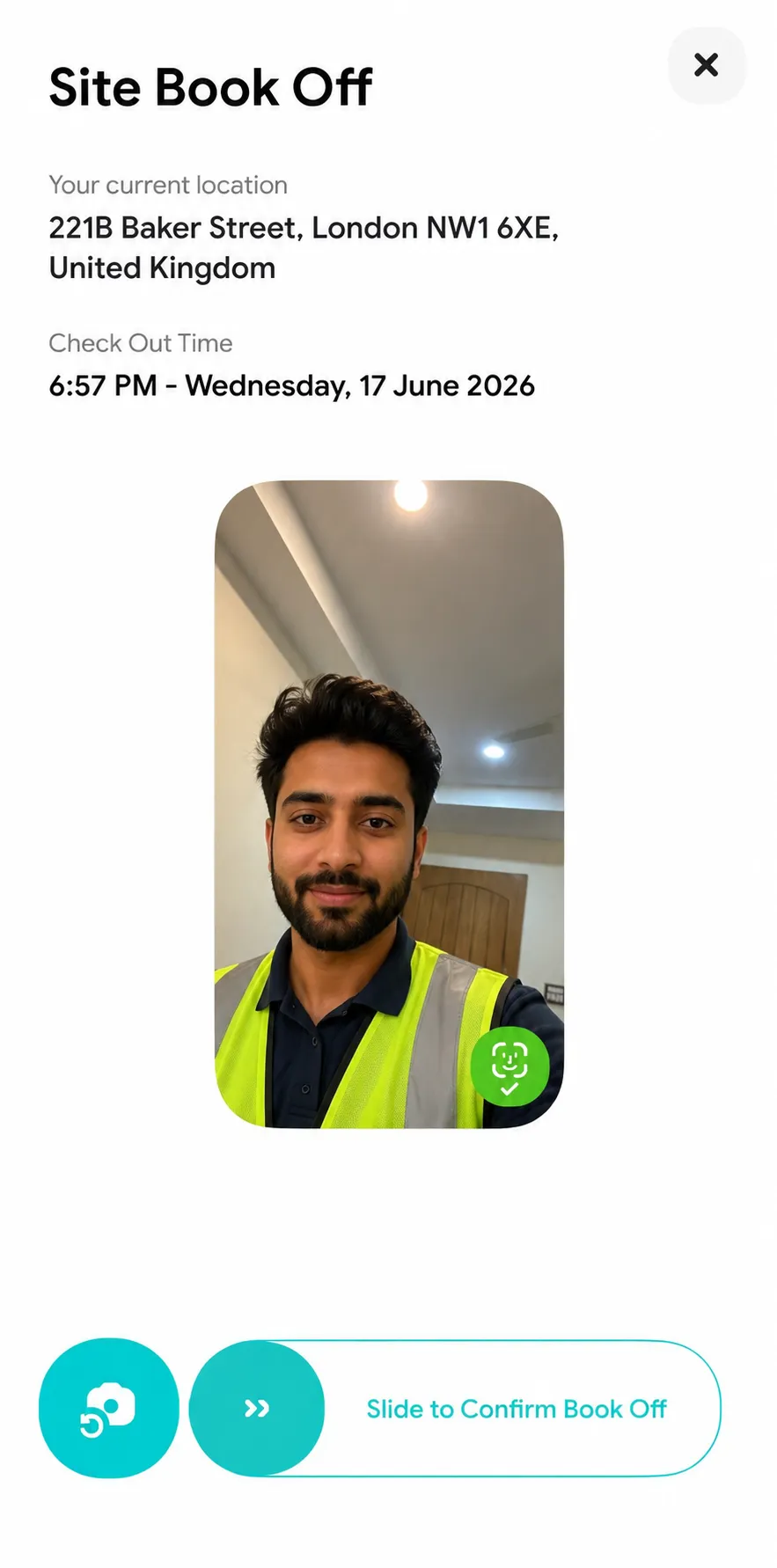
Step 9: Book Off Successfully Recorded
Once completed, your book-off will be recorded successfully and your shift will be marked as completed.
You have now successfully booked on and booked off using the Arez Worker App.
Important Notes
Ensure Location Services (GPS) are enabled on your device.
You must be within the permitted site location to book on and book off.
Make sure you have an active internet connection.
Always take a clear selfie to avoid booking failures.
If you experience any issues, contact your supervisor or the Arez Support Team.